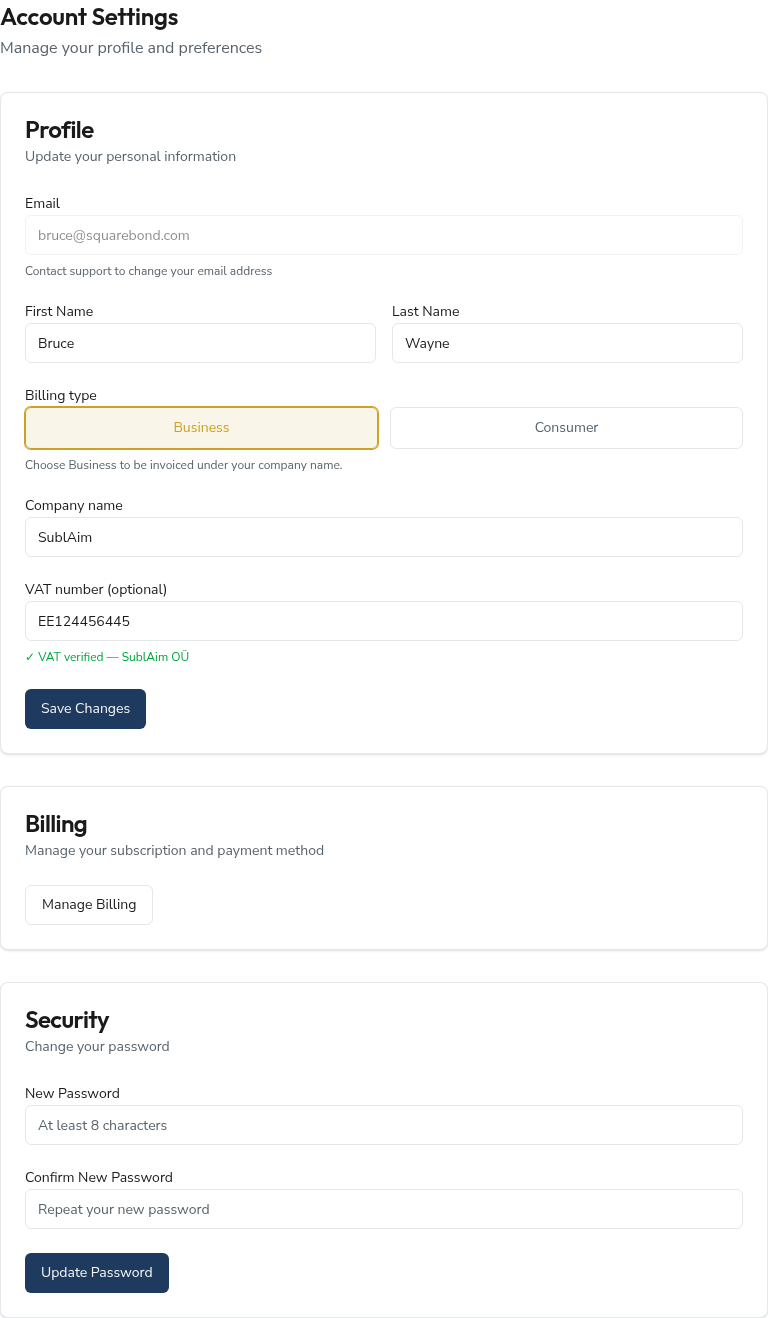
Your account page keeps three things in order — who you are, how you're invoiced, and how you sign in — one card each, no clutter.
Reach it from the user menu or the dashboard's Account & billing shortcut. One rule worth knowing up front: nothing here is saved until you press the button at the bottom of a card.
Profile
Your name and your billing identity. Your email sits at the top, greyed out — it's the address you signed in with, and changing it needs a quick word with support.
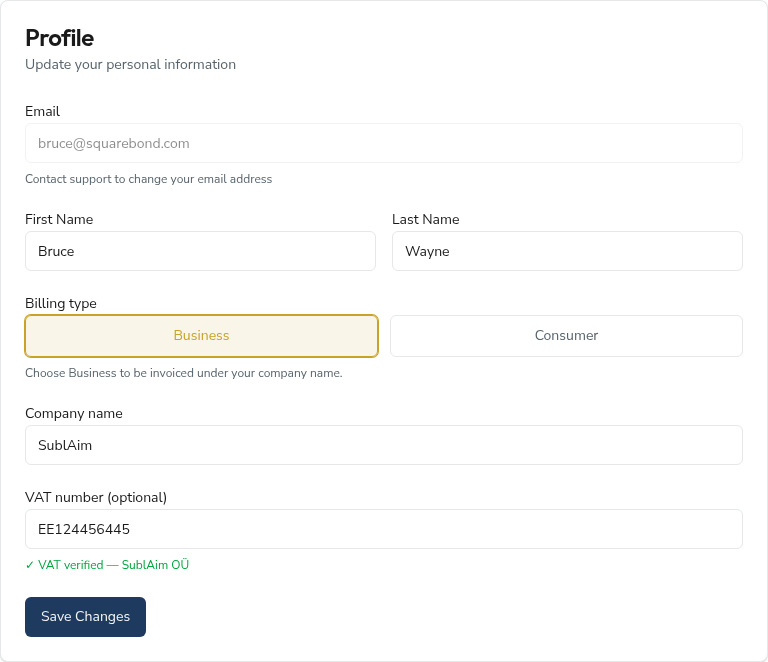
Billing type is the switch that shapes the rest of the form:
- Consumer — just your name. Invoices are issued to you personally.
- Business — reveals two more fields, Company name and VAT number, and your invoices are issued under that company.
When you enter a VAT number and save, we check it against your billing records and show the result inline:
- ✓ VAT verified —
— confirmed, and the registered name is shown beside it. - Verification pending — we're still checking; this can take a little while.
- Couldn't verify — the number stays on your invoices anyway; it's advisory, never a blocker.
Two things the form doesn't announce:
- The VAT check only runs when you save — typing a number doesn't verify it on the spot.
- Switching from Business back to Consumer and saving clears your company name and VAT number. Re-select Business and they're back to empty.
Billing
Everything about money — your subscription, payment method, and invoices — lives in the secure Stripe portal, not on this page.
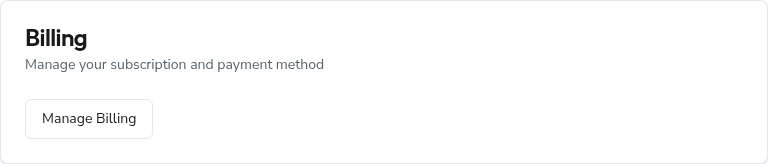
Manage Billing opens that portal in a new browser tab. From there you can update your card, see upcoming charges, and download past invoices. Close the tab to come straight back here.
Security
Set a new password without leaving the page. Type it once, confirm it, and the strength meter fills as you go — five segments from Weak to Very Strong.
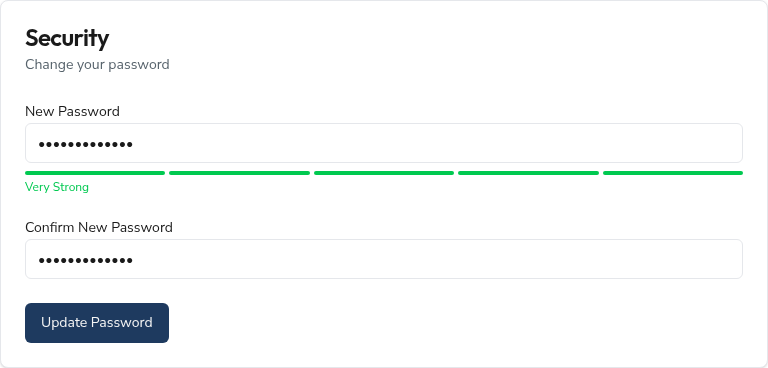
The meter rewards length and a mix of upper- and lower-case, numbers, and symbols. It's guidance, not a gate: the only hard rule is at least 8 characters, and the two fields must match. You don't need to enter your current password to set a new one.
Frequently asked questions
Why can't I edit my email here?
Your email is the key to your sign-in, so it's deliberately read-only on this page. To change it, contact support at support@squarebond.com and we'll move it across safely.
I saved a VAT number but it shows "pending" or "couldn't verify" — is something wrong?
Not necessarily. Verification is mirrored from your billing records and can lag by a little; a freshly registered number sometimes needs a day. Either way the number still prints on your invoices, so you're never blocked. Re-open the page later and it refreshes the status for you.
I switched to Consumer and my company details disappeared — did I lose them?
They were cleared when you saved as Consumer, by design — consumer invoices carry no company or VAT line. Switch the billing type back to Business, re-enter the details, and save again to restore them.
Where do I change my card or download an invoice?
In the Stripe portal. Click Manage Billing under the Billing card — it opens in a new tab with your payment method, subscription, and full invoice history.
The strength meter said "Weak" but it still let me save — is that a bug?
No. The meter is advice, not a rule. As long as your password is at least 8 characters and both fields match, it'll save. We'd still nudge you toward "Strong" or better — length plus a mix of cases, numbers, and symbols.