Several designs in the catalog share the same underlying dynamic link. Activating one automatically sets its siblings aside — like choosing a frame for a photograph. Switch any time; the link behind them is identical.
This is one of the most useful things to understand about how SquareBond works, and one of the most often misunderstood.
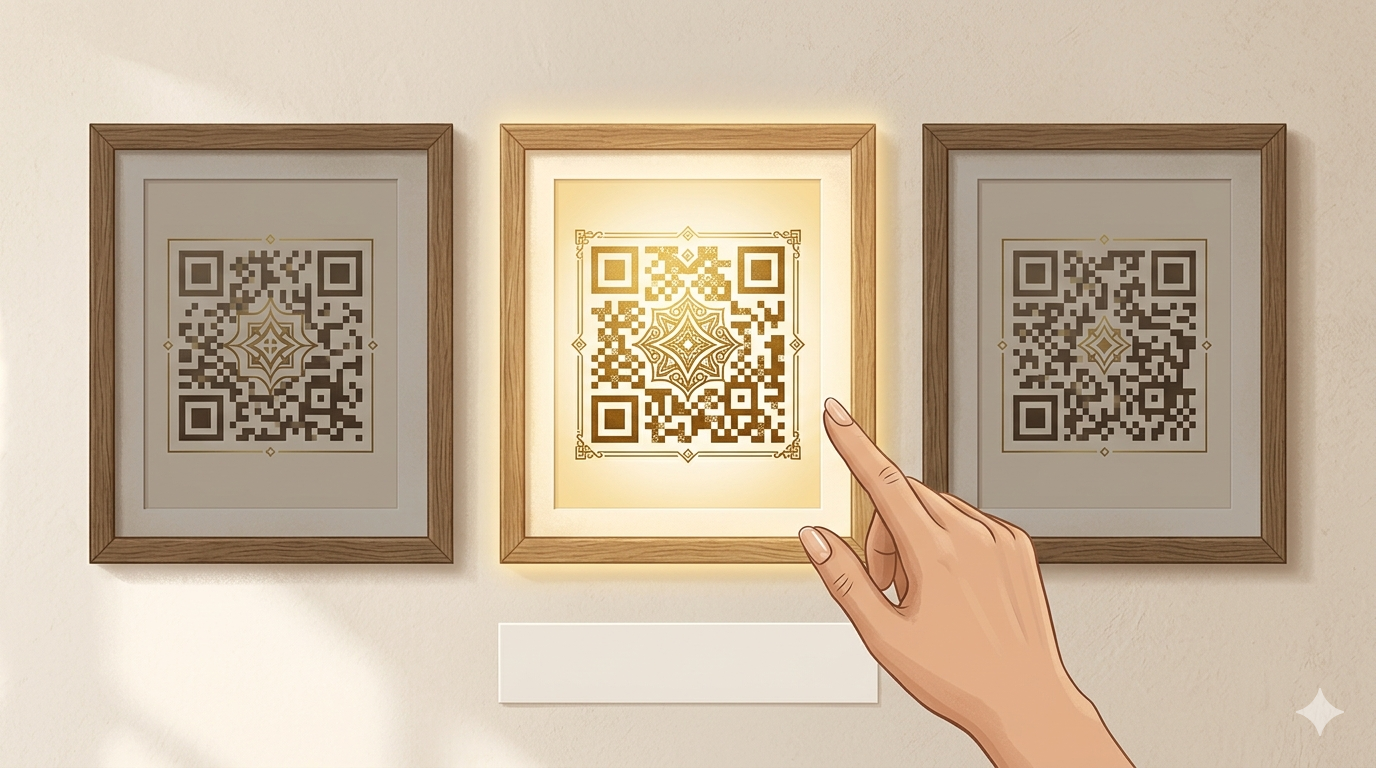
One base, many faces
A QR base is the infrastructure unit: the dynamic short link, the analytics record, the redirect destination. Multiple visual designs can be built on top of the same base — they produce slightly different printed patterns, but they all resolve through the same short URL to the same destination.
Think of it like picture frames on the same photograph. The photo — the link, the destination, the scan history — is the same. What changes is the aesthetic presentation in the frame.
When you browse the catalog, you'll sometimes see designs marked as belonging to the same base. They're siblings: same link, different look.
Why only one can be active at a time
A dynamic link can only be pointed at one active destination, and its analytics can only accumulate under one active code. More importantly, a QR base can only be held by one user at a time.
When you activate a design from a base, that base is yours. Any sibling designs from the same base become unavailable to other users — shown with a "Not available" badge and the reason explained. This isn't an arbitrary limit; it's the same principle that makes street addresses work. Two people can't live at the same address simultaneously.
The flip side: if you're interested in a design that's currently showing as Not available, it may free up when the current holder's situation changes.
Switching in your Selection
You're not locked into a design. If you have one design from a base active in your plan and you want a different aesthetic from the same base, you can switch — no reprinting required.
Here's why reprinting isn't necessary: both designs encode the same short URL into their patterns. The printed code you already have will continue scanning identically after a switch. What changes is which design is considered "active" in your account — and therefore which one you see in your Wallet and can download in new formats.
To switch, find the sibling design in the catalog and use the Switch Design option. Your current design moves out; the new one moves in. The underlying link, destination, and scan history are unchanged.
What "Not available" means when you see it
If a design in the catalog — or in your Selection — shows as Not available, one of two things is happening:
- Another user has a sibling design active. That base is currently spoken for. It may become available again later.
- A sibling is reserved for a trial. Trial activations hold a base for the duration of the trial period.
Designs in your Selection that become unavailable after you've added them stay visible in the Not available section with a note explaining why. They don't disappear — they wait. See Your Selection explained → for the full breakdown of the three selection states.
Go deeper
Why SquareBond uses shared bases
Provisioning a live dynamic link — a real short URL with analytics infrastructure behind it — has a cost. Offering multiple visual designs on one base means you get more aesthetic choice without multiplying infrastructure costs one-to-one.
From a technical standpoint, the QR base is the unit of infrastructure. The visual design is a layer on top. This separation is what makes switching aesthetics without reprinting possible: the physical printed pattern points to the same short URL regardless of which sibling design is "active."
Does switching change what's printed on existing materials?
No. The pattern encoded in any printed code from a given base is the same short URL. Switching which design is active in your account doesn't alter printed materials — they continue scanning to the same destination.
Frequently asked questions
Can I switch back to a design I had before?
Yes. Switching is reversible as long as no one else has claimed that base in the interim. If you switch from Design A to Design B and later want Design A back, you can switch again — provided Design A is still available.
Why did a design I added to my Selection become unavailable?
Another user activated a sibling design from the same base before you committed. The base can only be held by one account at a time. The design stays in your Not available section as a reminder — it may free up later.
Does switching affect my scan history?
No. Scan history belongs to the QR base — the underlying short link — not to any individual design. Switching between siblings doesn't reset or affect your analytics.
If I switch designs, do I need to reprint my marketing materials?
No. Both sibling designs produce patterns that encode the same short URL. Your existing printed materials continue working exactly as before. The switch only changes which design appears active in your dashboard and which you can download going forward.